Homeschool Curriculum Tracker and Lesson Pace Calculator
Know which lesson each child is on, and whether the current pace finishes the book by the end of the year.
Free printable: 3 sample pages, US Letter · A4
Lesson pace calculator
Two pages, two jobs
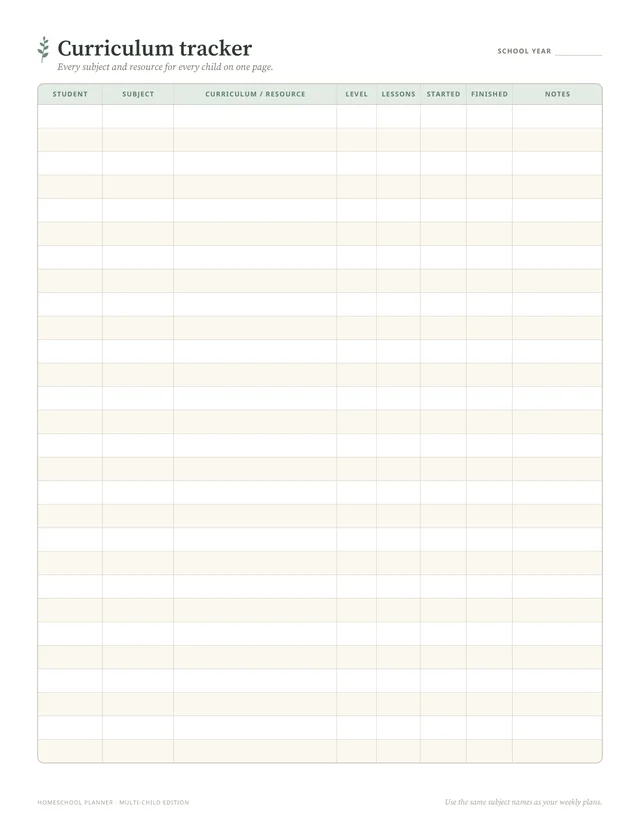
The curriculum tracker: everything on one page
One row per subject per child: student, subject, curriculum or resource, level, number of lessons, start date, finish date and notes. Three children with seven subjects each make 21 rows, which fit on one page. It answers "what are we using this year?" in seconds, doubles as a shopping list in summer, and is a record at the end of the year.
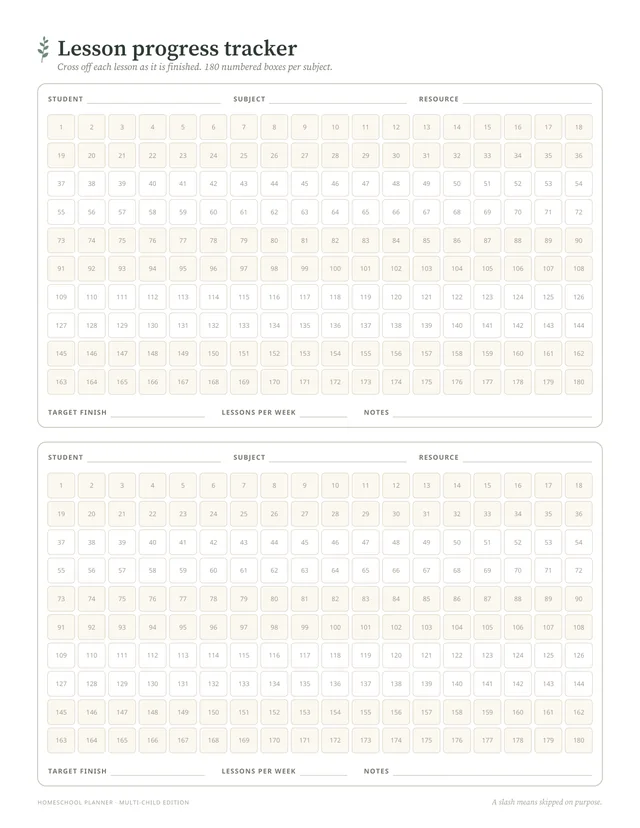
The lesson progress tracker: 180 numbered boxes
Each block has boxes numbered 1 to 180 for one subject. Cross off a number when a lesson is finished. When you plan the week, the first number not crossed off is the next lesson to write in your weekly plan. Two subjects fit on a page.
How to keep the tracker honest
- Cross off finished lessons, not planned ones. The weekly plan says what you hoped to do; the tracker says what was done.
- Check pace once a month with the calculator above, not every day. A slow week is normal; a slow month is a signal.
- Mark skipped lessons with a slash instead of a cross, so you can tell "skipped on purpose" from "done".
- Write down finish dates. They help with the term summary and with planning next year's pace.
More from KulturSchwarm
Meal plan and grocery listPlan a week of family meals and get the shopping list that goes with it.
Custom bingo card makerTurn spelling words, math facts or history dates into a printable review game.
Classroom seating chart generatorSeat a co-op class or group lesson from a pasted list and print the chart. Free, no account.