How to Print Recipe Cards at Home Without Them Shrinking
Most printing problems come from one setting, the rest from paper choice. This checklist works for 4x6, 5x7 and binder-page templates on ordinary home printers.
Short answer: print at 100% (Actual size) with Fit to page turned off, on 65 to 110 lb card stock. Print card-sized files straight onto 4x6 or 5x7 cards, or print two cards per Letter sheet and cut on the crop marks.
1. Print at actual size
In the print dialog, set scale to 100% or Actual size. Turn off Fit to page, Shrink oversized pages and Fit to printable area. With any of these on, the card prints a few percent smaller and no longer lines up with the crop marks or fits snugly in a box. When printing from a browser, also turn off Headers and footers so the date and web address do not print on the card.
2. Choose a paper weight your printer can feed
| Paper | Weight | Notes |
|---|---|---|
| Copy paper | 20 to 24 lb (75 to 90 gsm) | Fine for binder pages in sheet protectors. Too floppy for a box. |
| Light card stock | 65 lb cover (about 176 gsm) | Feeds in almost any printer. A good first try for cards. |
| Medium card stock | 80 to 110 lb cover (216 to 300 gsm) | Feels like a real recipe card. Use the rear or manual tray if you have one. |
| Matte photo paper, 4x6 | Varies | Pre-cut and sharp. Glossy types smudge under a pen, so pick matte if you will write on it. |
Check your printer's manual for its maximum paper weight. A straight paper path (rear tray) handles thick stock better than a tray that bends the paper around a roller.
3. Printing straight onto 4x6 or 5x7 cards
- Load the cards with the guides snug against the edges.
- In the print dialog, set the paper size to 4 x 6 in (sometimes called "index card" or "photo 4x6") or 5 x 7 in. Add it as a custom size if it is not listed.
- Set the media type to card stock or matte photo paper so the printer uses the right amount of ink.
- Print one test card. If the design sits off center, adjust the paper guides, not the scale.
4. Printing two cards per Letter sheet
The lined print-ready sheets in the pack put two cards and crop marks on each page. Print on Letter card stock at 100%, then cut on the short marks in the margins. A paper trimmer gives straighter edges than scissors: line the blade up with two marks, cut through the whole sheet, then do the next pair. The free card maker prints one card per page with the same kind of cut marks.
5. Two-sided cards
In the pack, each sheet of fronts is followed by a matching sheet of backs. The cards are centered across the page, so automatic duplex set to flip on long edge lines them up. With manual duplex, print the front page, check which side your printer prints on (most print on the side facing down in the tray), put the sheet back with the top edge going in first, and print the back page. Test with plain paper the first time.
6. Make them last
- Let inkjet prints dry for a few minutes before stacking.
- Laser-printed text resists splashes better than inkjet.
- Use card sleeves or self-seal laminating pouches for recipes that live next to the stove.
- Add handwritten notes with a fine archival pen. Gel ink can smear on coated paper.
Try it on your own recipe. The free card maker fits it to a 4x6 or 5x7 card as you type and prints it at true size.
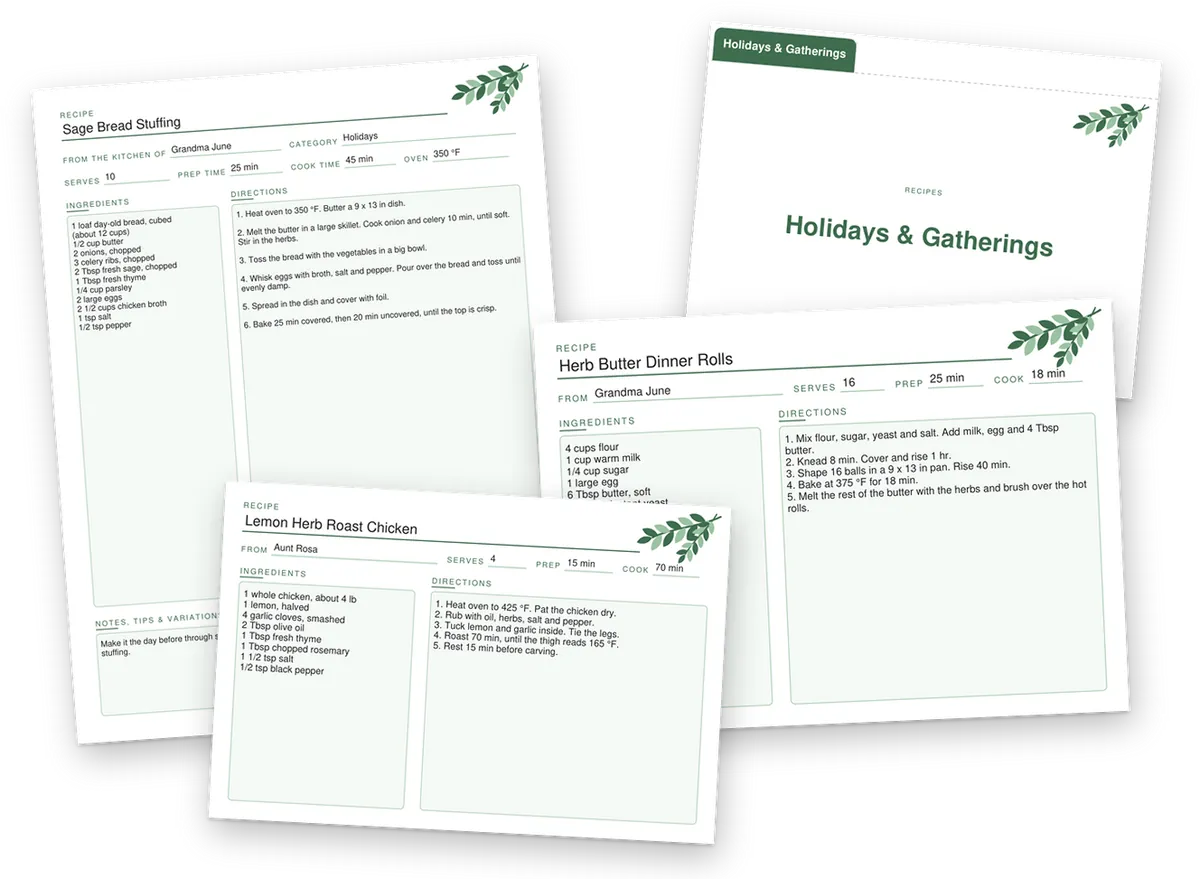
Recipe Card Template Pack
Print-ready sheets with crop marks, in 12 designs
Lined 4x6 and 5x7 cards two per sheet, fronts and backs that line up, plus fillable cards sized to print straight onto card stock.
$7 one-time. Secure checkout by Stripe, instant download, 14-day refund.